Pick a photo, not just a name
Draw from the full collection or choose mammals, birds, reptiles, amphibians, fish or invertebrates. Every available pick has a reviewed photo.
Find your next animal to draw with a real photo reference. Choose a small sketching exercise, take a few unhurried minutes, and turn a random animal into a page in your sketchbook.
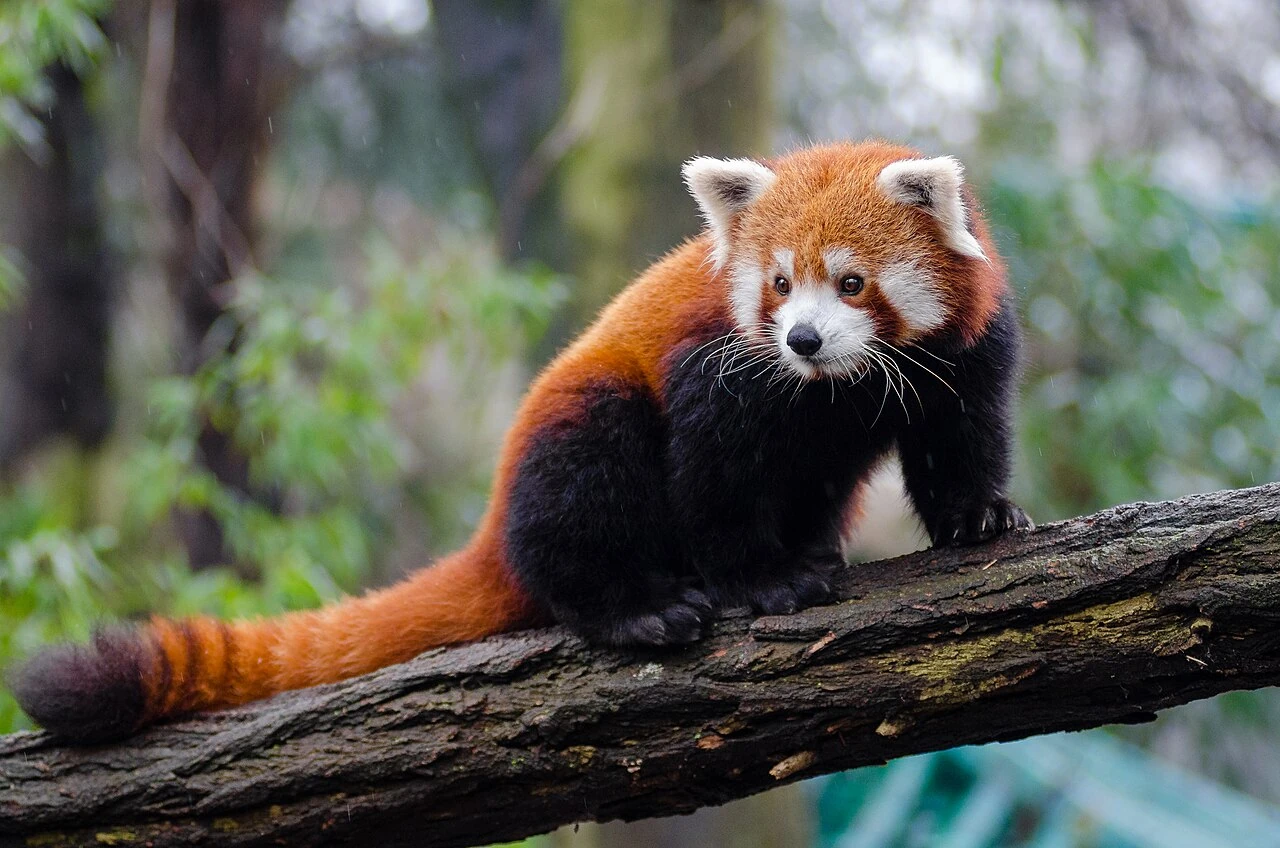
Scientific name: Ailurus fulgens
Find the animal’s big shapes before the little details.
A random animal drawing generator for sketchbook warm-ups, short studies, and classroom art activities.
Draw from the full collection or choose mammals, birds, reptiles, amphibians, fish or invertebrates. Every available pick has a reviewed photo.
Practise the outer shape, compare proportions, or study texture. Change the exercise while keeping the same animal and photo.
Use the optional timer, guide grid or black-and-white view. Print one reference sheet or a small set of different animals with space to draw.
Use these with any animal reference. An exercise is a starting point, not a rule.
Look at the outside edge of the animal. Draw the large shape first, leaving the eyes and tiny marks until last. Notice the gaps around the legs, wings or tail.
Imagine a box around the whole animal. Where does the head fit? How much space does the body take? Use a few light lines before choosing the edges to keep.
Make a small whole-animal sketch, then study a single area. Try short strokes, dots or curved lines. Compare your marks with the texture visible in the photo.
Photo references and small prompts, for whatever your sketchbook needs today.
Choose an animal group and a practice goal, then pick an animal. Use its real photo as a reference. Start an optional timer or print a practice sheet with the reference and a blank area for your drawing.
Yes. Select “Pick an animal to draw” for a random photo-backed animal. Leave the group on All animal groups for the full collection, or narrow it to a type such as birds or mammals.
No. This tool chooses real animal photographs and gives you a small observation exercise to draw yourself. It does not create an AI image, combine body parts, or judge your finished drawing.
Yes. Generate a set of 1 to 10 animals and preview their photos on the page. Replace an animal or uncheck it, then print the selected sheets with your chosen exercise and a drawing area. Your browser can save the sheets as a PDF. Photo credits and licenses stay on each sheet.
Yes. Changing “What to practise” keeps the same animal and photo. It lets you study an outline first, then proportions or detail. The “Pick an animal to draw” button changes the animal.
The three exercises start with observation and simple shapes. Choose a two-minute outline study, use the guide grid, or pause the timer when you need more time. Photos vary in pose and detail, so pick another animal if you want a different challenge.
Each photograph has its own license. Follow its source and license links before publishing, distributing or reusing the photo or a derivative. Printing a practice sheet does not change those terms. Read the individual image credits.
Use the random animal generator for kids for sourced animal riddles, photo answers and printable game cards. The main animal generator offers habitat, diet, size and region filters.